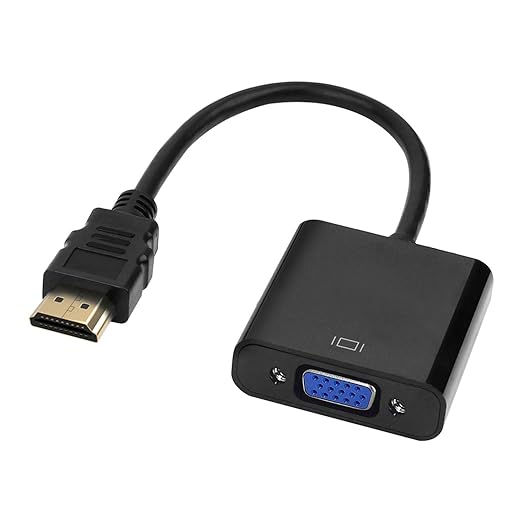
HDMI to VGA Adapter/Connector/Converter Cable About
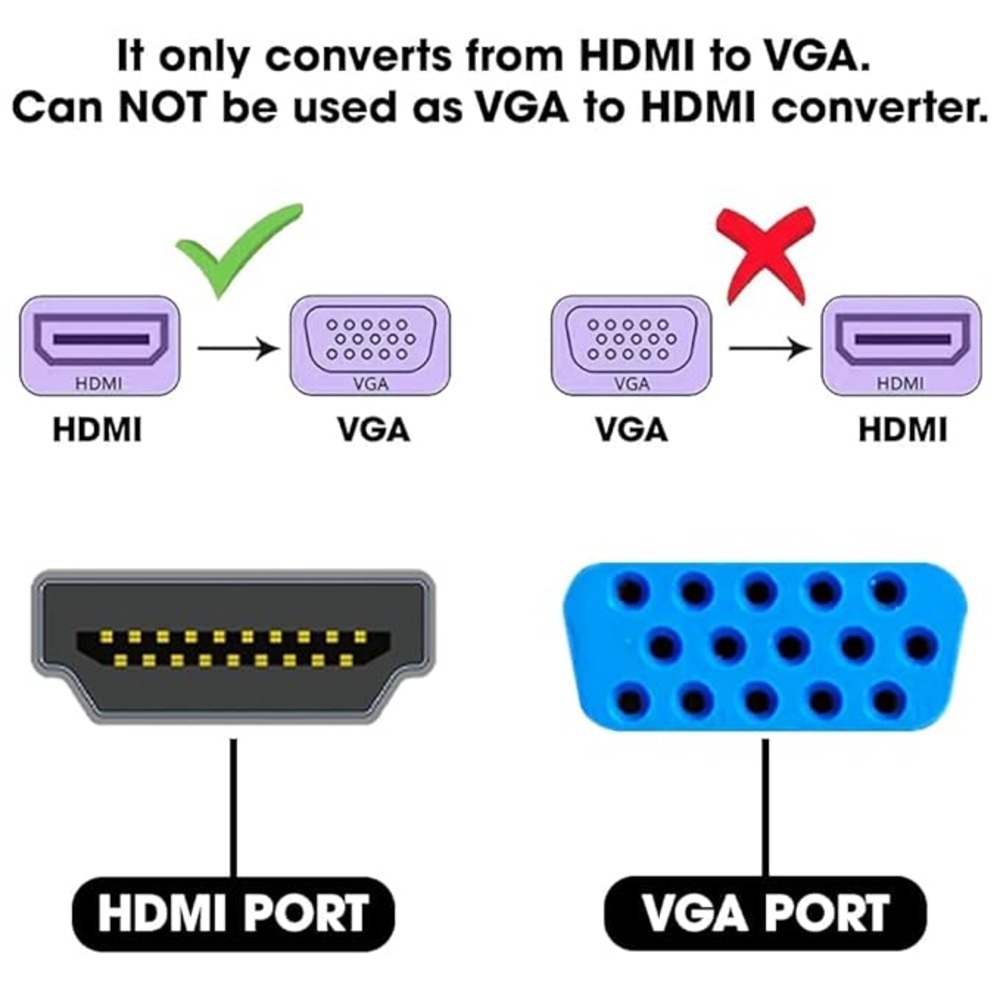
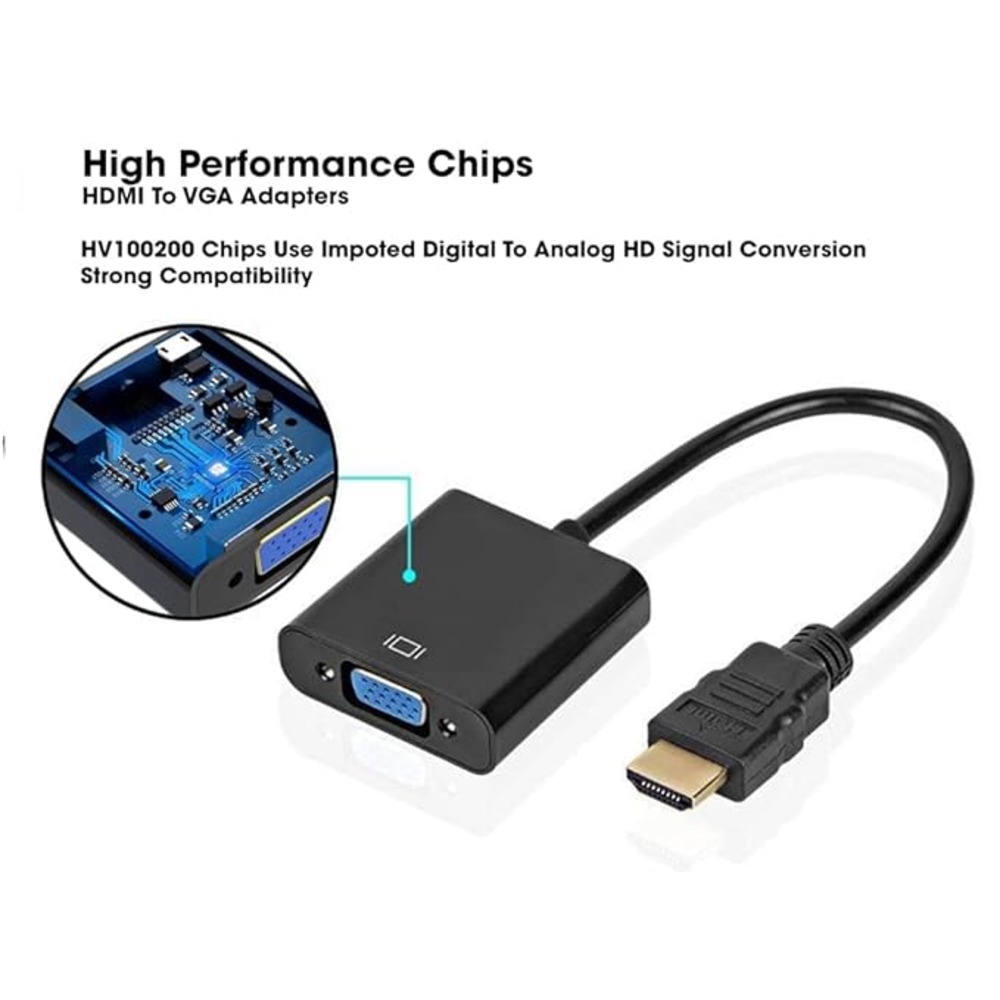
- Superior Stability: Built-in advanced Certified AG6200 IC chip converts HDMI digital signal to VGA analog signal. It is NOT a bi-directional converter and cannot transmit signals from VGA to HDMI.
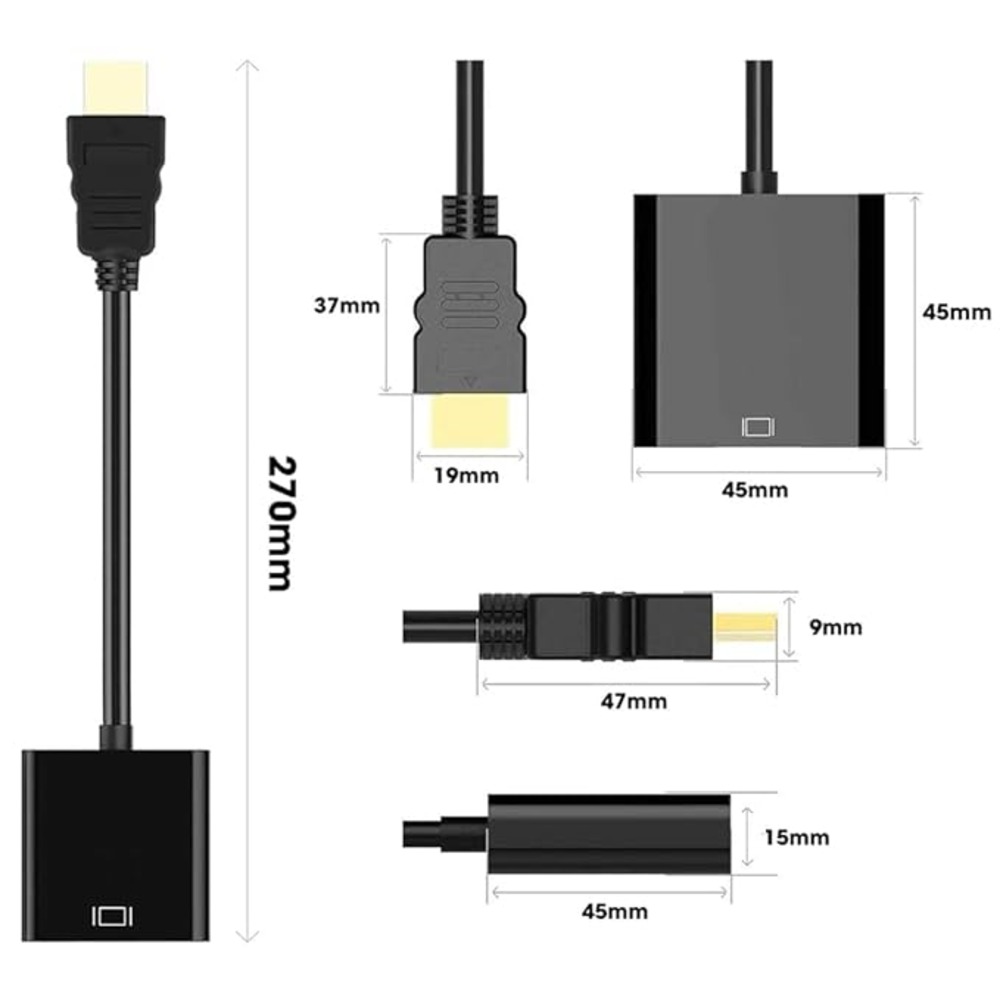
- Compact Design: Tizum HDMI to VGA adapter is compact & lightweight which makes it easy to carry, travel friendly and also saves space on your desk helping it keep clutter free.
- High Definition Image Quality: The HDMI male to VGA female converter supports resolution up to 1920x1080 60Hz (1080p Full HD) including 720p, 1600x1200, 1280x1024 for high definition monitors & projectors.
- Wide Compatibility: The adapter is compatible with Computer, PC, Desktop, Laptop, Notebook, Chromebook, PS3, Xbox, Set Top Box, TV & other devices with HDMI port. Note: Does not Support Audio.
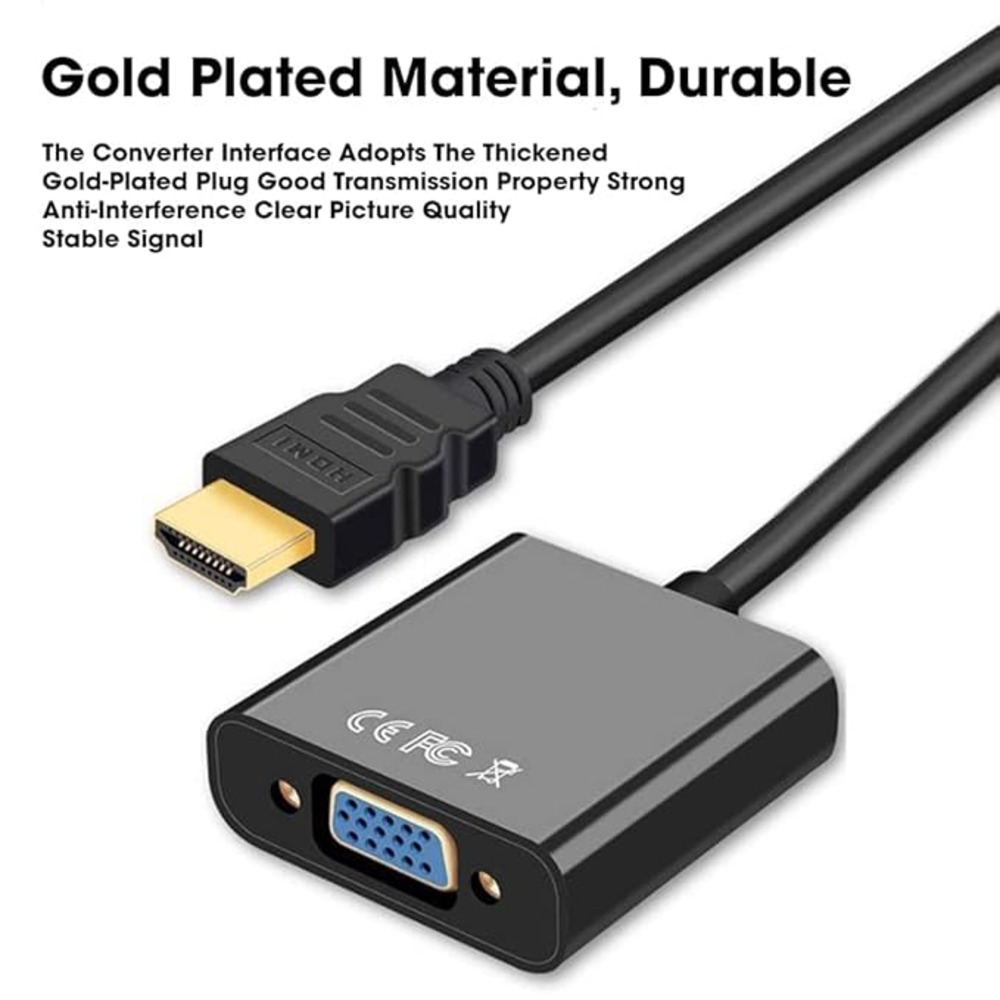
- Incredible Performance: It resists corrosion & abrasion; improves signal transmission; & protects HDMI port of your device to ensure a longer lifespan
Wide CompatibilityEasily connect laptops, desktops, or TV boxes to external monitors or projectors with a VGA input. The adapter suits various environments, including offices, classrooms, and conference rooms, allowing a seamless display experience across different device brands and types.
Sturdy Design for LongevityCrafted with an ABS plastic body, the adapter offers enhanced durability. Its compact 15 cm cable ensures convenience without cluttering your workspace, while safeguarding performance and reliability over extended use.
Effortless Plug-and-PlayNo drivers or external power are needed-just plug the HDMI male connector into your device and attach the VGA female end to your display. Immediate and stable video transmission simplifies your setup for meetings, learning sessions, or entertainment.
FAQ's of HDMI to VGA Adapter/Connector/Converter Cable:
Q: How do I use the HDMI to VGA Adapter Cable for connecting my laptop to a projector?
A: Simply plug the HDMI male connector into your laptop's HDMI port and connect the VGA female end to the projector's VGA cable. Your laptop should automatically detect the external display; if not, you may need to adjust display settings.
Q: What devices are compatible with this HDMI to VGA Converter Cable?
A: The adapter supports laptops, desktops, and TV boxes with an HDMI output. It works with any monitor or projector equipped with a standard 15-pin D-sub VGA input.
Q: When should I use an HDMI to VGA adapter instead of a direct HDMI connection?
A: Use this adapter when your source device only has HDMI output and the display device offers only a VGA input, such as older monitors or projectors.
Q: Where can I purchase this HDMI to VGA Adapter in India?
A: You can find this adapter through local electronic stores, reputable online retailers, or directly from manufacturers, suppliers, and exporters specializing in AV solutions across India.
Q: What is the process for setting up the adapter between a laptop and projector?
A: Attach the HDMI male connector to your laptop and the VGA female interface to the projector's VGA cable. No additional software or driver installation is necessary, and setup is completed within seconds.
Q: Is there any audio support available through this adapter cable?
A: No, this HDMI to VGA adapter transmits video signals only; audio output through the VGA connector is not supported.
Q: What are the main benefits of using this converter cable?
A: The adapter provides a quick and easy way to connect modern DRM-compliant devices to legacy displays. With its robust build, plug-and-play operation, and compatibility across various devices, it simplifies presentations and multi-display setups.







 Send Inquiry

 Send Inquiry

