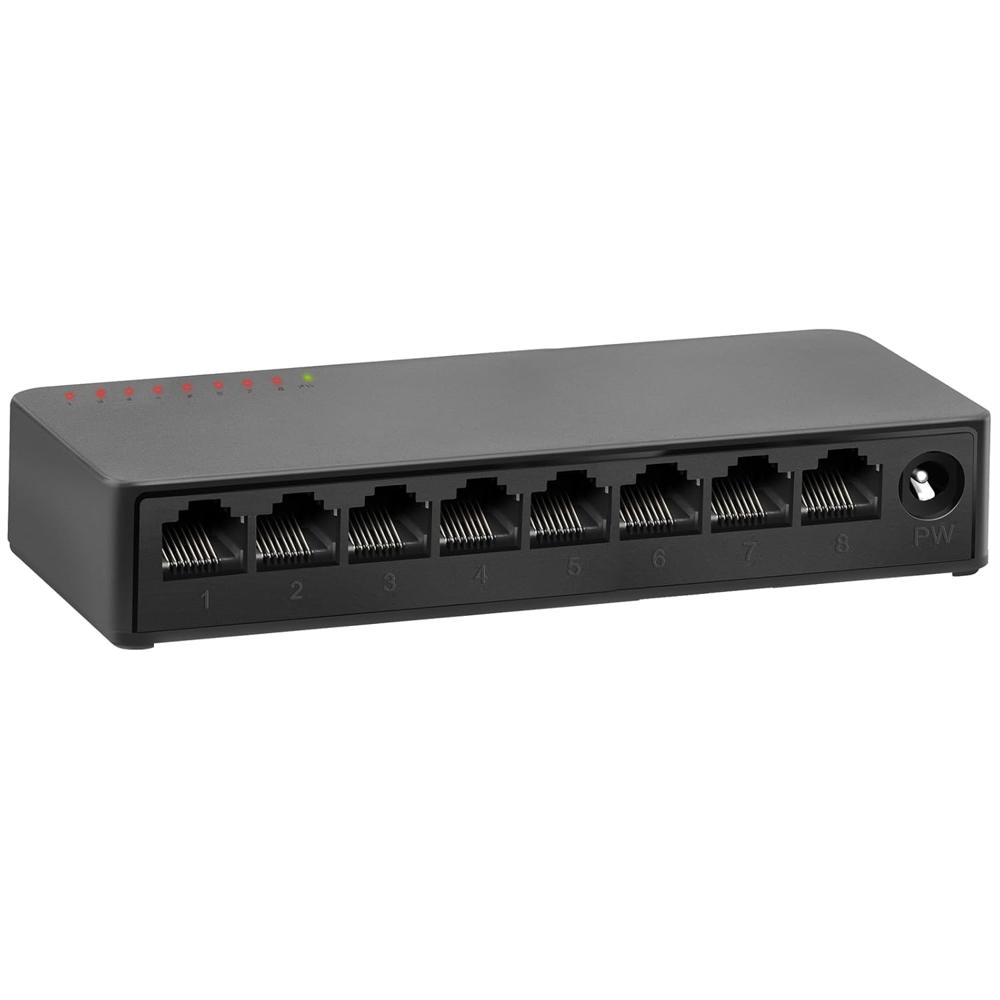
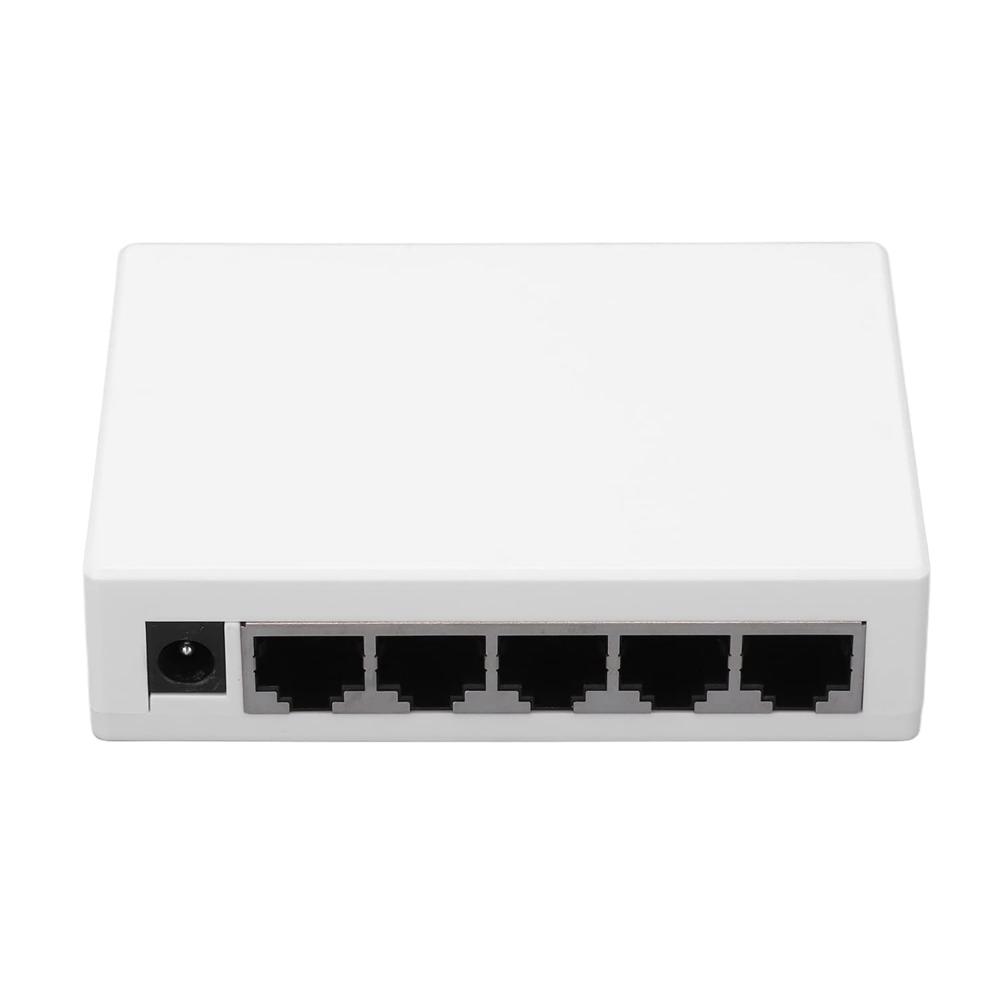
8 Ports Gigabit Ethernet Network Switch 1000 MBPS About
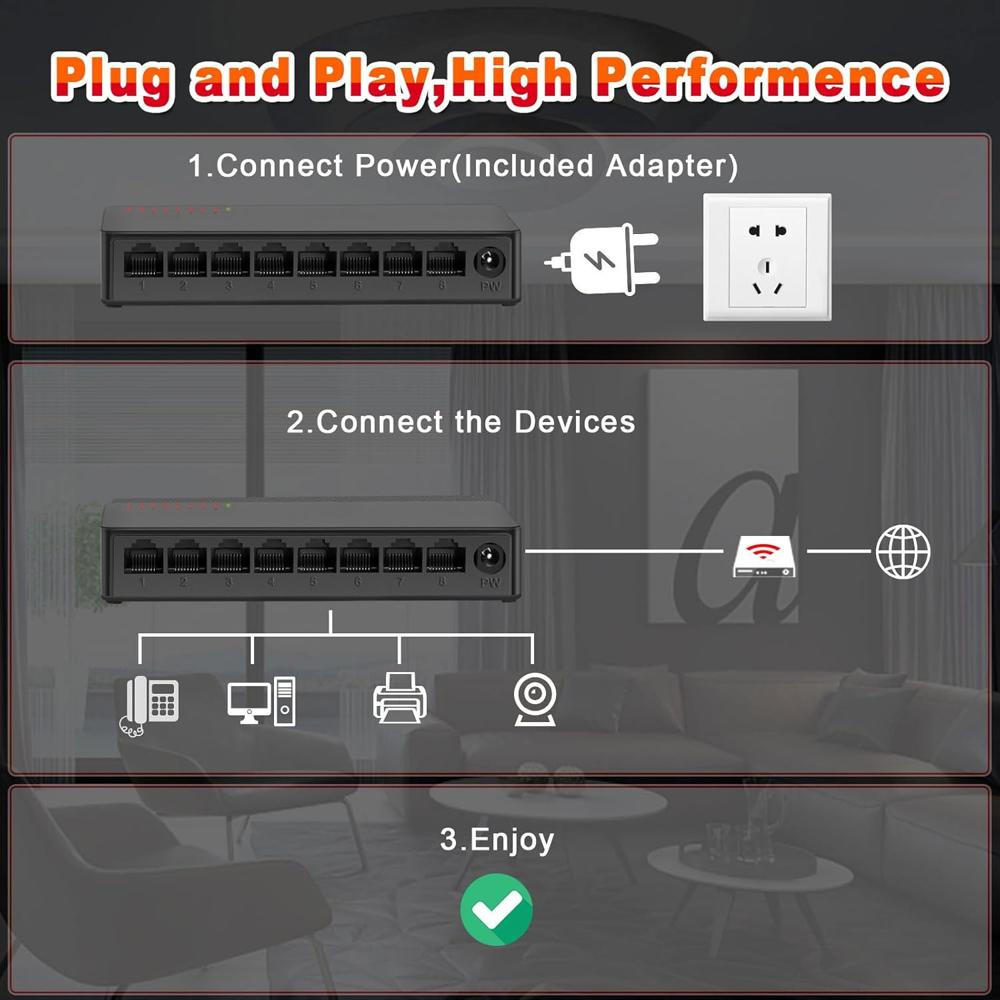
- Easy to Use,Plug & Play Unmanaged network switches are very simple to operate, plug and play.Each port supports MDI/MDIX auto-flip and duplex/rate auto-negotiation. Easy setup with no software installation or configuration needed
- 4KV Lightning Protection This series gigabit Ethernet switch designed with lightning protection, it can withstand 4000 volts or more lightning, and prevent circuit failure. Built-in protection circuit. When a short circuit or overload occurs, the port will automatically fuse to protect the safe operation of the switch and other ports.
- International products have separate terms, are sold from abroad and may differ from local products, including fit, age ratings, and language of product, labeling or instructions.
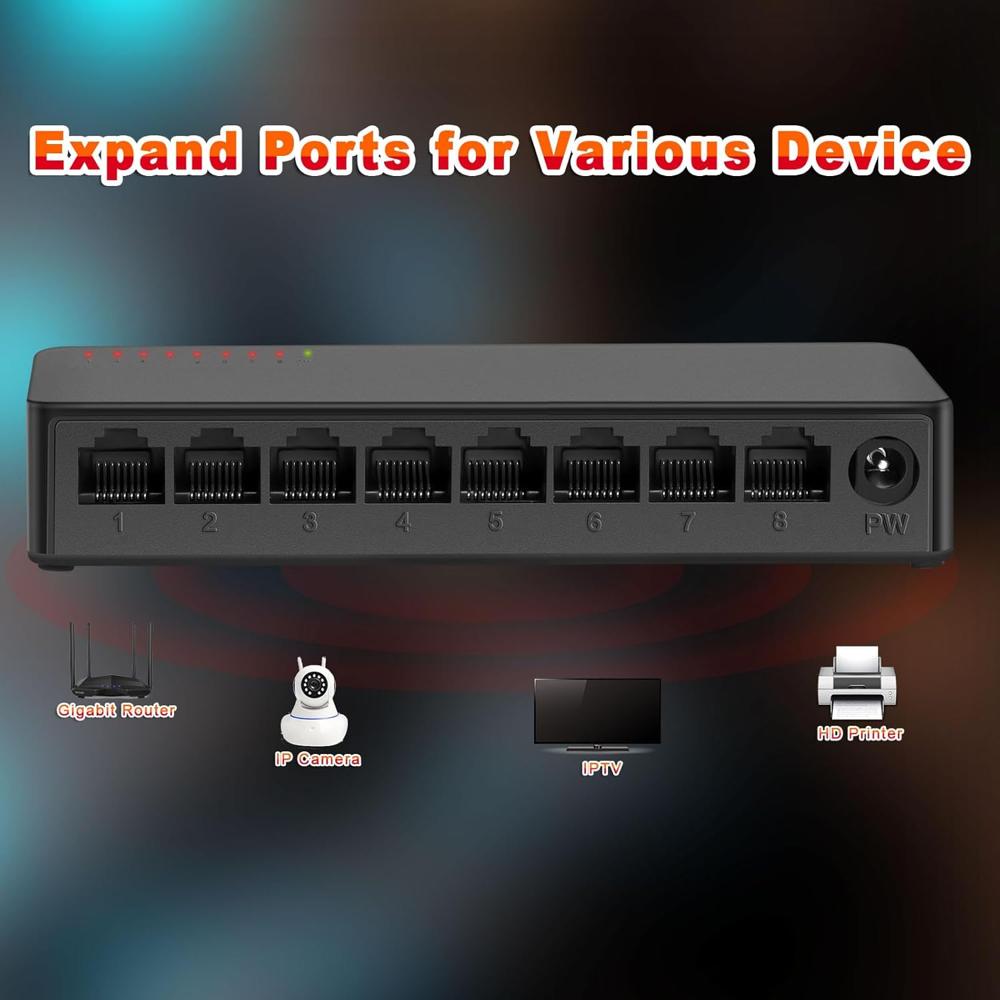
High-Speed Gigabit ConnectivityBenefit from lightning-fast 1000 Mbps data transfer with eight Gigabit ports, ensuring smooth connections for all networked devices. The robust switching capacity of 16 Gbps and support for 2K MAC addresses make this switch reliable for both large and small setups, enabling efficient networking in home or business environments.
Silent, Energy-Efficient DesignOperating silently thanks to its fanless build, this switch is ideal for noise-sensitive areas. The energy-saving IEEE 802.3az (Green Ethernet) technology automatically adjusts power consumption based on network activity, delivering environmentally friendly performance without compromising on speed or reliability.
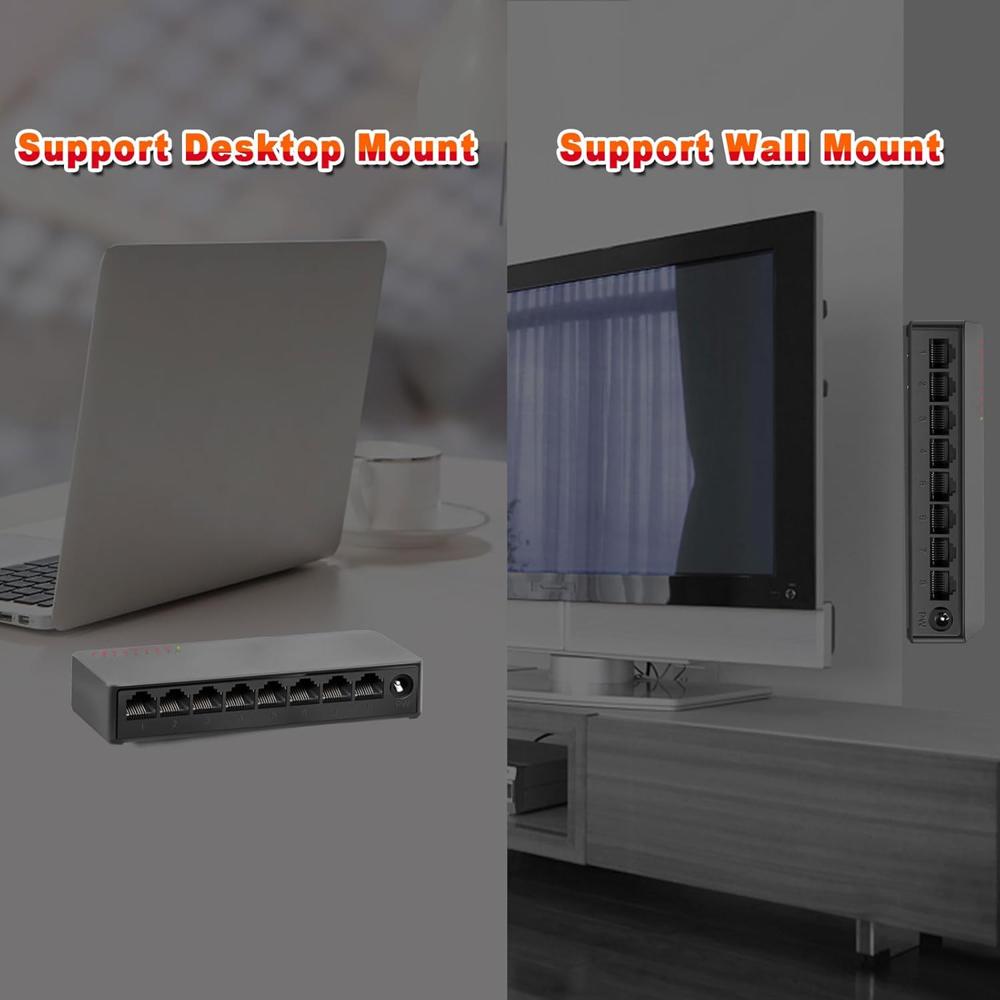
Flexible Mounting and Easy InstallationEnjoy versatile placement options with both desktop mounting and wall-mount support. The compact, lightweight design allows the switch to fit easily into tight spaces while durable plastic construction ensures longevity. LED status indicators provide simple at-a-glance updates on power, link, and activity states.
FAQ's of 8 Ports Gigabit Ethernet Network Switch 1000 MBPS:
Q: How do I install the 8-Port Gigabit Ethernet Network Switch?
A: You can easily install the switch by placing it on a desktop or mounting it on a wall using the provided slots. Simply connect your devices via Ethernet cables to any of the eight Gigabit ports. The switch automatically detects cable type (straight or crossover) with Auto MDI/MDIX, making setup hassle-free.
Q: What environments is this Ethernet switch suitable for use in?
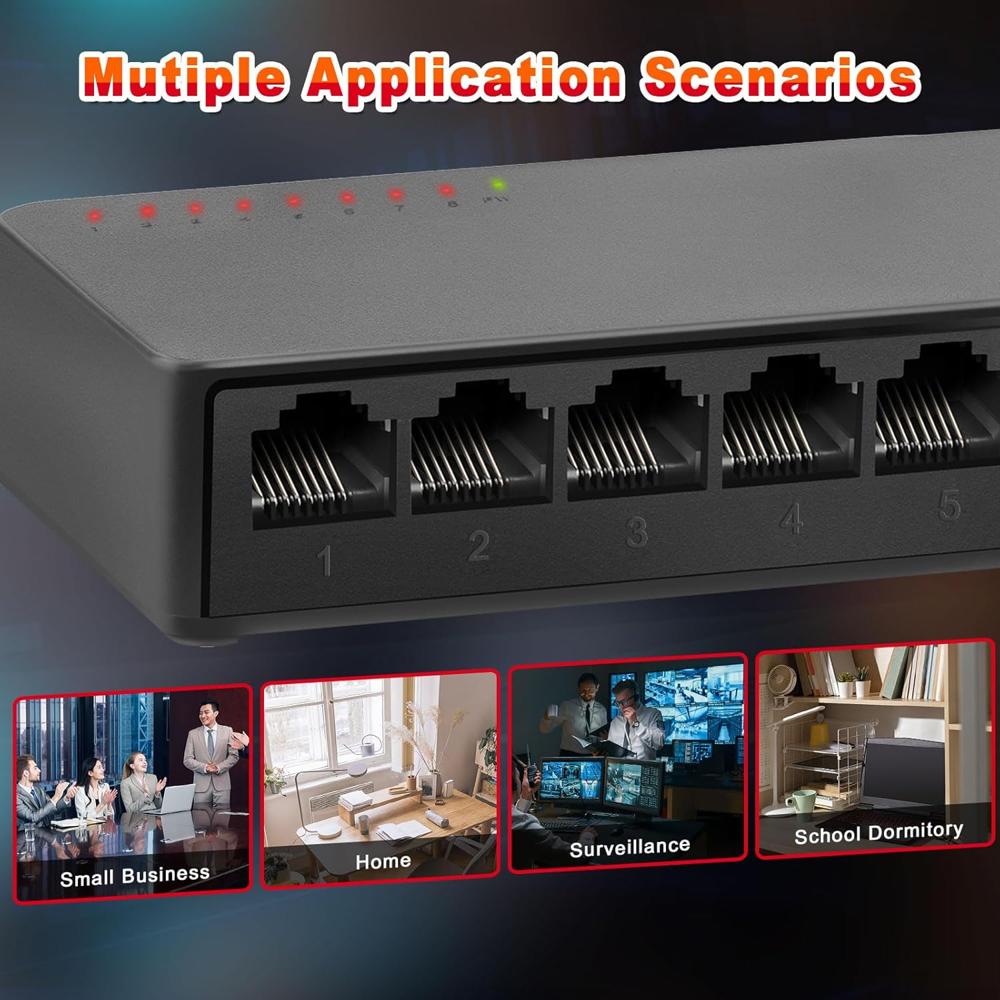
A: This switch is ideal for home offices, small businesses, and noise-sensitive areas such as libraries or meeting rooms because it operates silently with a fanless design. It can function reliably in environments with temperatures ranging from 0 to 40C, and its compact size allows for flexible placement.
Q: When is energy saving active on this switch?
A: The IEEE 802.3az (Green Ethernet) feature automatically activates to save energy based on network traffic. When ports are idle or devices are disconnected, the switch intelligently reduces power consumption, helping to lower electricity costs and environmental impact.
Q: Where should I mount the network switch for best performance?
A: For optimum performance, install the switch in a well-ventilated area away from direct sunlight and heat sources. Both desktop and wall-mounting options are supported, so choose a location that minimizes cable clutter and is easily accessible for monitoring LED status indicators.
Q: What is the benefit of having Auto MDI/MDIX ports?
A: Auto MDI/MDIX allows you to connect any type of Ethernet cable, whether straight-through or crossover, without worrying about port compatibility. This feature simplifies the networking process and reduces installation errors, making expansion or reconfiguration much easier.
Q: Does this switch support VLAN or QoS for advanced traffic management?
A: No, this 8-Port Gigabit Ethernet Network Switch does not support VLAN or Quality of Service (QoS). It is designed for straightforward, plug-and-play networking without complex configuration features, making it ideal for settings where simple, reliable connectivity is required.
Q: What is the process for checking network activity and connection status?
A: Network activity and connection status can be monitored using the integrated LED indicators on each port and the power LED. The LEDs show at-a-glance updates for power, link, and network activity, so you can quickly identify if a device is connected and transmitting data.







 Send Inquiry

 Send Inquiry

