5 Port Network Desktop Switch About
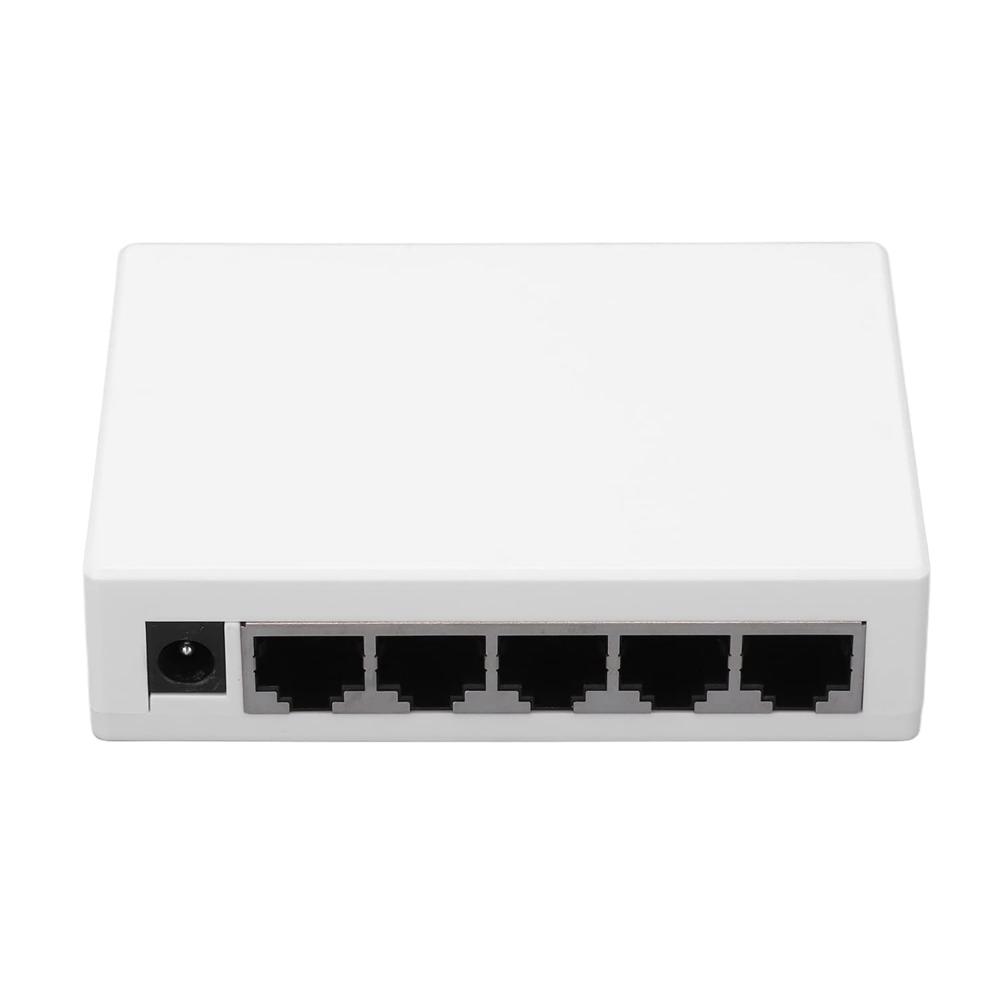
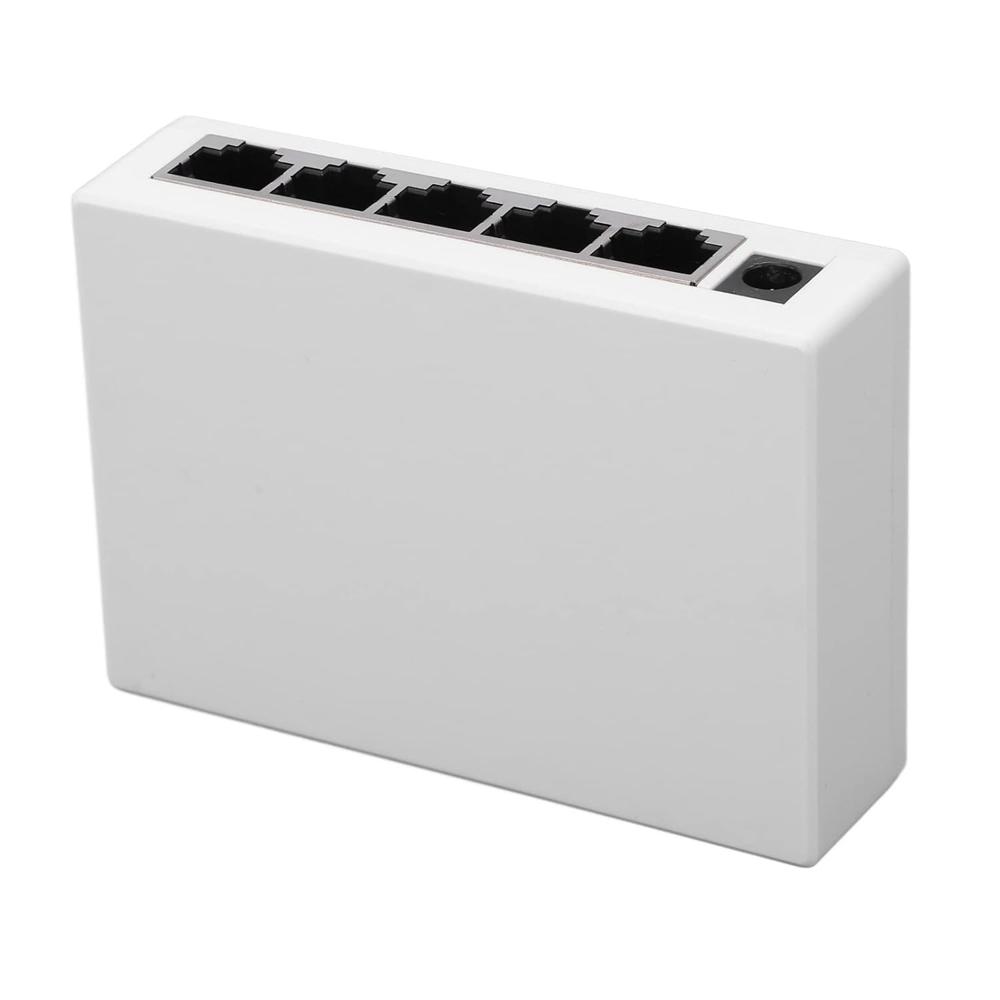
- 5 Fast Ethernet 10/100Mbps Ports - Provide high-speed wired connectivity for your computers, gaming consoles, smart TVs, and other Ethernet-enabled devices.
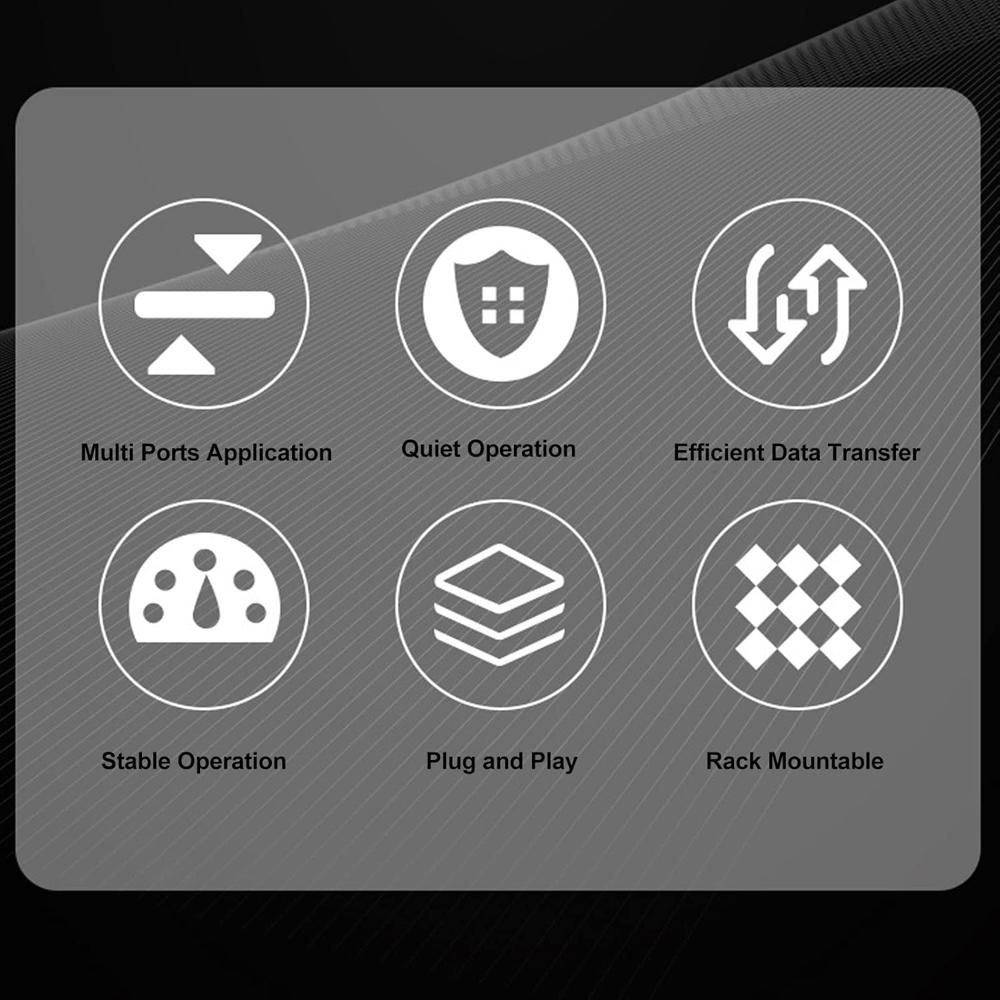
- Plug-and-Play Installation - Simply plug in the power adapter and connect your Ethernet cables - no complicated setup required
- Efficient Heat Dissipation - Built-in cooling fan and ventilation help prevent overheating for continuous operation.
- Compact and Space-Saving Design - The sleek, low-profile housing takes up minimal desk or shelf space.
- Ideal for Home, Office, and Small Business - Perfect for expanding your existing network or creating a new wired Ethernet connectivity hub.
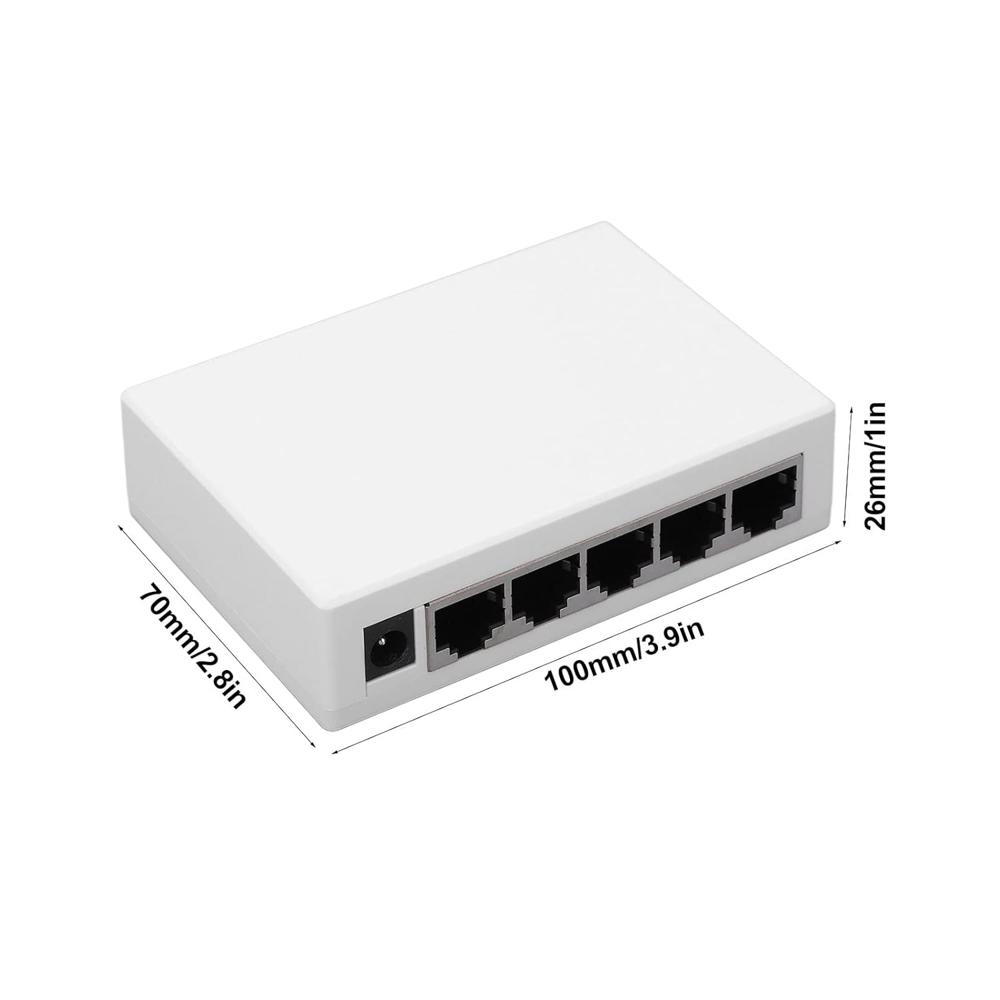
Compact Design for Seamless IntegrationThe 5 Port Desktop Switch boasts a compact and lightweight design, making it ideal for desktop use in space-constrained offices or home environments. Its plastic housing and fanless operation ensure quiet, unobtrusive performance, allowing easy placement anywhere that requires additional network connectivity.
Simple and Reliable Network ExpansionAs an unmanaged switch, installation is effortless-just plug in your devices, and the network is ready to use. With support for 10/100 Mbps speeds across all five Ethernet ports, the switch maximizes network efficiency for basic data transfer, web browsing, or device sharing in homes and businesses.
Energy-Efficient OperationDesigned for low power consumption, this switch operates using a standard 5V DC adapter and requires minimal energy. The fanless design further contributes to its cost-effectiveness, ensuring reliability and long-term savings on electricity bills.
FAQ's of 5 Port Network Desktop Switch:
Q: How do I install the 5 Port Network Desktop Switch in my office or home?
A: Installation is effortless-simply connect the switch to a power source using the included 5V DC adapter, and plug your Ethernet cables into the available ports. No configuration is required, thanks to its unmanaged design, making it suitable for immediate use.
Q: What devices can I connect to this network switch?
A: You can connect any device with an Ethernet port, such as computers, printers, IP cameras, or gaming consoles. It provides stable connections for up to five devices simultaneously, supporting data transfer speeds up to 100 Mbps per port.
Q: When should I choose this switch over a managed switch?
A: This unmanaged desktop switch is best suited when you need fast, reliable network extension without advanced configuration or control. It's perfect for small offices or home networks where ease of use and cost-effectiveness are priorities.
Q: Where can I place the switch for optimal performance?
A: Due to its compact and lightweight design, the switch can be conveniently placed on any flat desktop surface near your network devices. The fanless construction allows quiet operation, making it suitable for desks, shelves, or other workspaces.
Q: What is the process for monitoring the network activity on this switch?
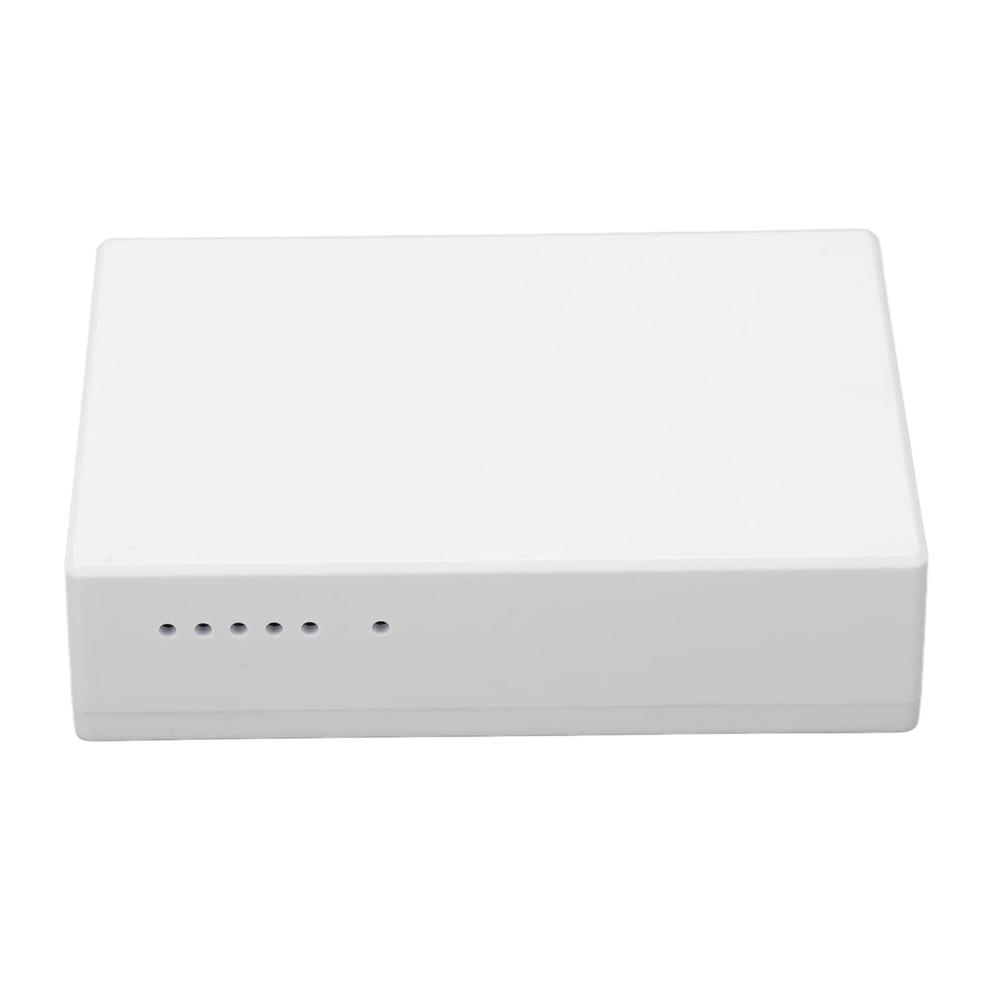
A: LED indicators on the front panel provide real-time status for power and link/activity on each port. Simply observe these LEDs to confirm network connectivity and to help troubleshoot connection issues if necessary.
Q: How does the fanless design benefit users?
A: The fanless cooling system reduces noise and eliminates the need for regular maintenance. It offers a quieter work environment and increases the switch's reliability by minimizing moving parts.
Q: What are the energy benefits of using this desktop network switch?
A: Engineered for low energy consumption, the switch operates efficiently on a 5V DC input, reducing electricity use and lowering total cost of ownership. This makes it an eco-friendly choice for continuous operation.







 Send Inquiry

 Send Inquiry

